
Monroe County Jail Roster Overview
The Monroe County Sheriff's Office runs the county jail and posts a public inmate roster online. Sheriff Troy Goodnough leads the office. The roster itself runs on the Zuercher Portal, and the county links to it from its official Inmate Lookup page. That page explains what the portal holds. It lists people booked into the Monroe County Jail and shows data set by the correctional facility. The record may include personal descriptive details, a mugshot image, and the offenses the arresting agency charged.
The roster covers local custody only. It does not list state prisoners, federal detainees, or people held in another county. A person moved to prison after sentencing drops off the local roster. The list is a live snapshot, so the surest way to confirm a status is to call the jail. Booking, release, and transfer can happen at any hour.
The county Inmate Lookup page is the front door to both the roster and the custody alert service, as shown below.
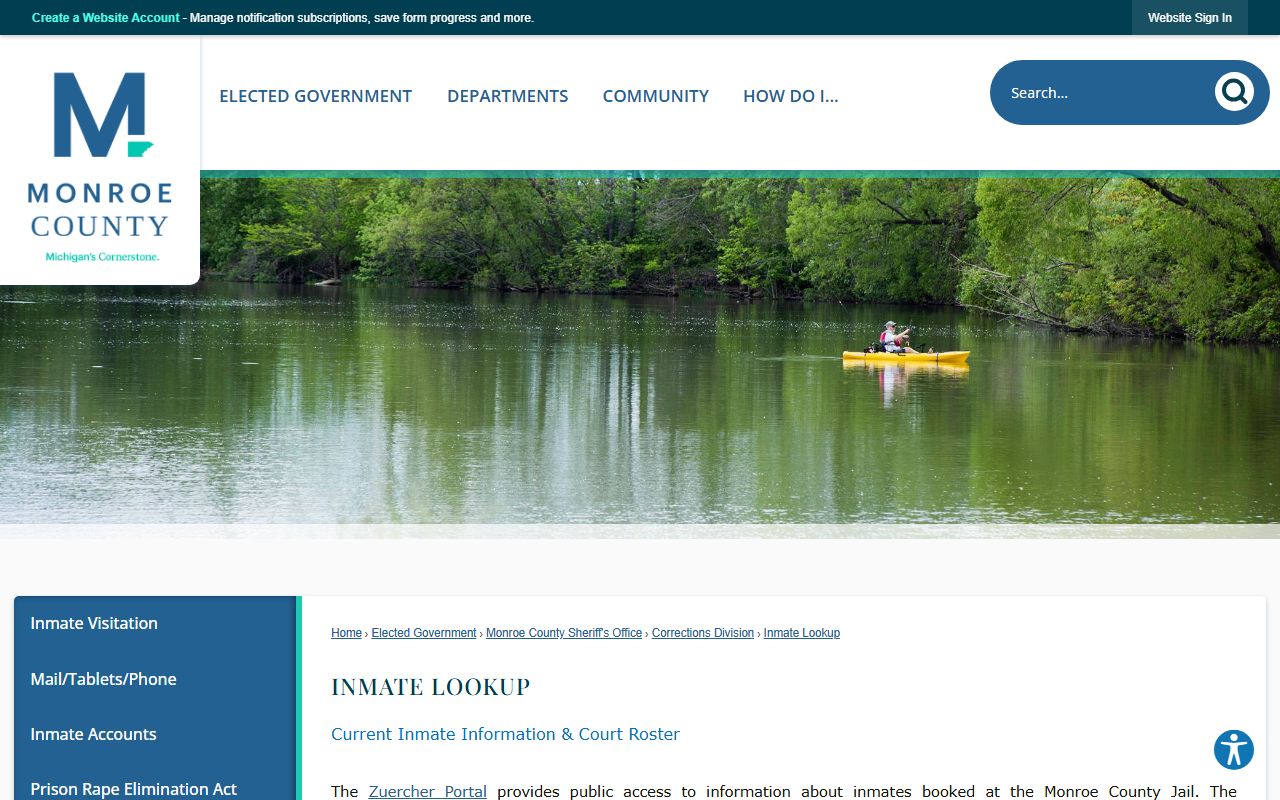
From that one page a reader can reach the live jail roster for current custody or the VINELink tool for automatic alerts, so it is the natural place to start a Monroe County inmate search.
Monroe County Sheriff's Office
100 E Second Street
Monroe, MI 48161
Inmate information: 734-240-7430
Law enforcement: 734-240-7400
Public jail roster online at any hour
How to Use the Monroe County Roster
The public roster is free and needs no account. You reach it straight from the county page or through the live tool at the Zuercher Portal. The search is quick when you have a name. Because the portal is a dynamic app, the screen can look a little different from one visit to the next. The steps below hold steady.
- Open the Zuercher Portal from the county Inmate Lookup page, or go straight to the roster link.
- Choose the current inmate list or, if you need a hearing, the court roster view.
- Type the person's name. A last name is the safest key, and a first name trims a common surname.
- Scan the results and open the matching profile to read booking details, charges, and any mugshot the facility posts.
The Zuercher screen for Monroe County is pictured below so a first-time user knows what to expect.
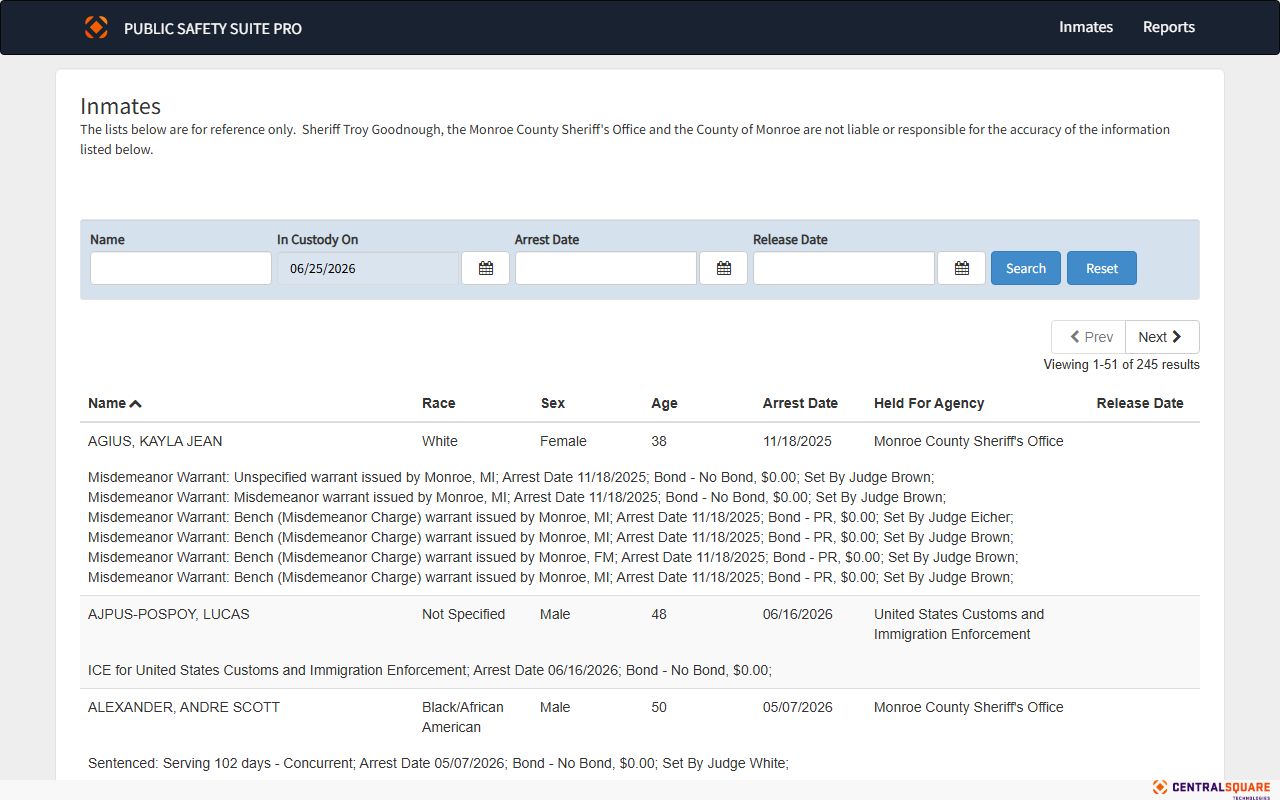
The same portal carries both the current inmate list and a court roster, so one search can confirm custody and point to an upcoming Monroe County court date.
Monroe County Inmate Search Fields
The county describes the portal in general terms because the facility, not the public, sets the fields. Static county text does not spell out every box on the live screen. Even so, the core search paths are steady, and the table below lays out what a Monroe County inmate search typically accepts and returns.
| Field Label | Type | Required | Notes / Format |
|---|---|---|---|
| Inmate search / list | Portal search or list | Varies | Zuercher is a dynamic app; static pages do not expose every field. |
| Name | Text | Commonly used | Public rosters usually support a name search; verify in the live portal. |
| Current inmate / court roster | Navigation tab | Optional | Switches between people in custody now and the court roster view. |
| Result fields | Result cards | n/a | May include descriptive information, mugshot images, and charged offenses. |
| VINE name / state | Web search | Varies | VINELink searches custody status and sets up alerts. |
Note: The facility can add, hide, or rename fields at any time, so a live search may show more or fewer options than a county page describes.
What a Monroe County Inmate Profile Shows
Open a match and the portal displays a profile for that person. The county says the record may hold descriptive information, a booking photo, and the offenses the arresting agency charged. The exact mix depends on how the jail sets up the portal. The table pairs each common field with what it tells you.
| Field | What It Shows |
|---|---|
| Inmate Name | The booked person's full name as recorded at intake. |
| Custody Status | Whether the person is still held or has been released. |
| Booking Date | When the Sheriff's Office booked the person into the jail. |
| Physical Descriptors | Basic descriptive details the facility chooses to publish. |
| Mugshot Image | A booking photo, shown when the facility posts one. |
| Charges / Offenses | The offenses the arresting agency charged, as listed by the booking agency. |
| Arresting Agency | The department that made the arrest. |
| Bond / Court Roster | Bond and upcoming court data when the portal is set to show them. |
The charges on a profile are the offenses booked at arrest, not proof of guilt. A closer look at how those counts move through the system sits with the Monroe County arrest records and court charges. Do not assume that medical, classification, or protected-custody flags are public; the facility keeps those off the roster.
Custody Alerts Through VINELink
Checking the roster over and over is not the only option. Michigan runs VINELink, a free service that watches custody and tells you when it changes. The county links to it from the Inmate Lookup page, and you can reach the state search at the Michigan VINELink portal. It is built for victims and anyone who needs to know the moment a person is released or transferred.
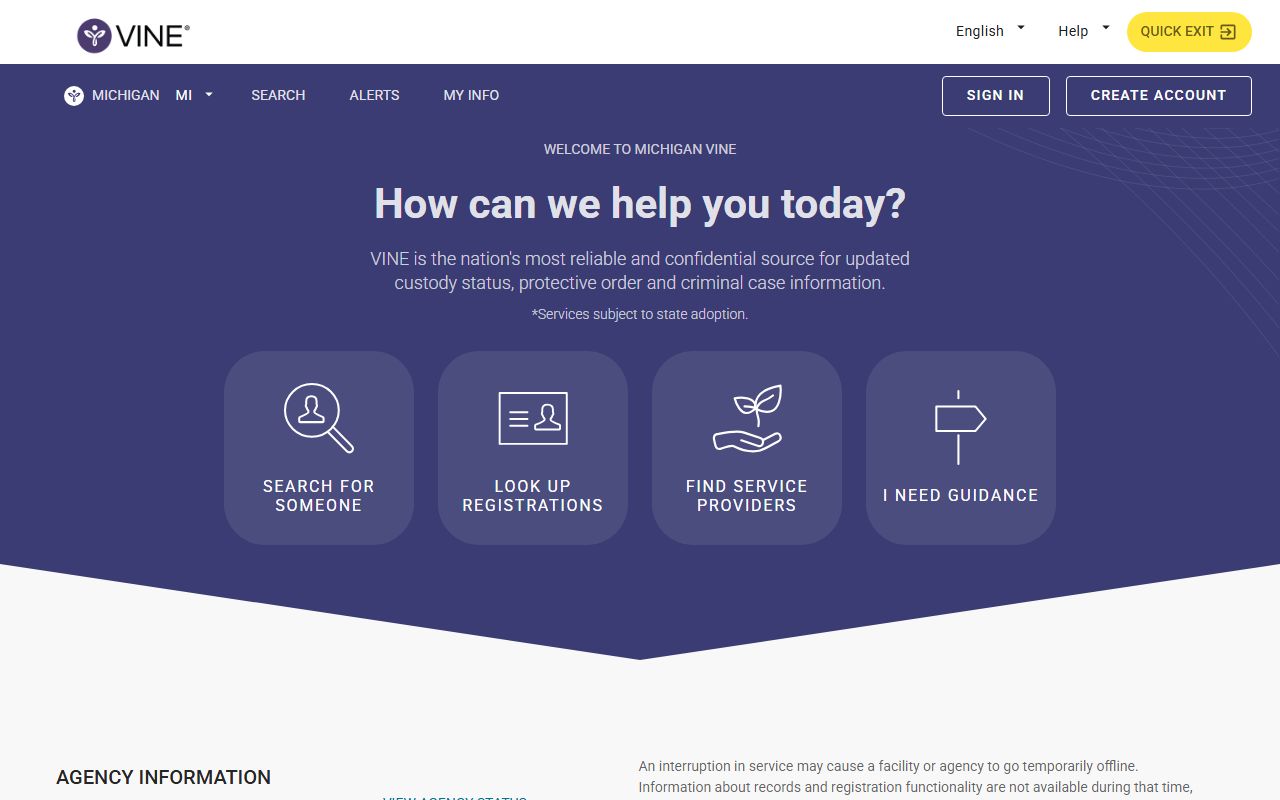
You search by name, then sign up for phone and email alerts on that person. When custody status shifts, the system calls or emails you. The Michigan VINE toll-free line is 800-770-7657 for help registering or checking status. VINELink is a notification tool, not a full jail file, so pair it with the roster for the complete picture on a Monroe County inmate.
County Jail vs State Prison
The local roster and the state prison system are two different records. The county jail holds people awaiting hearings, serving short sentences, or waiting on a transfer. Once a court sentences someone to state prison, the Michigan Department of Corrections takes custody, and that person no longer appears on the Monroe County roster. Searching the wrong system is the most common reason a name does not turn up.
For a sentenced state prisoner, or for someone on parole or probation, use the MDOC offender search. It covers the whole state, not one county jail. Federal detainees follow yet another path and are not on either the county or the state list.
Important. If a Monroe County inmate name does not appear on the jail roster, the person may have moved to state prison; check the MDOC offender search before assuming the record is gone.
Monroe County Booking and Charges
Booking is the intake step that opens a jail record. The Sheriff's Office logs the person, records descriptive details and a photo, and lists the offenses the arresting agency brought. The Corrections Division runs the jail and links its inmate services from one hub. Those charges are the counts as booked, and they can change once a prosecutor reviews the case. A charge may be reduced, amended, dropped, or never formally filed.
The Corrections Division page gathers the roster, visitation, mail, and account tools in one place.
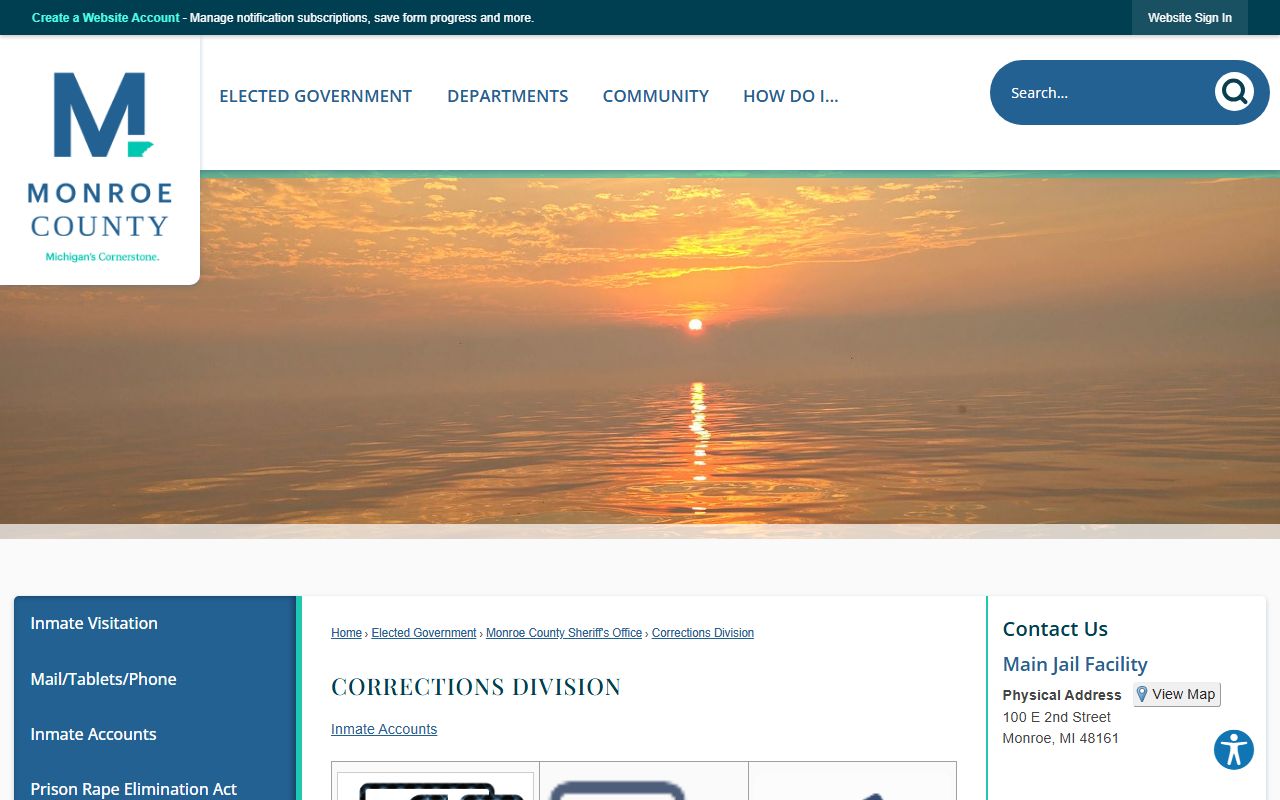
The roster is a custody snapshot, not a court file. A felony often opens with a district court arraignment and a bond decision before the case moves further. The booking charges and the court outcome are separate records, and a warrant can sit behind a booking too. To trace a live warrant, the county's warrant records guidance lays out the phone-first channels the jail portal does not cover.
Note: A charge on the roster reflects the arrest, not a conviction, and the final court result may differ from the offense the arresting agency first listed.
Monroe County Inmate Record Checks
The roster answers who is in custody today. A written record request answers a different question, and it goes through the Sheriff's Records Division. This office handles police reports, crash reports, FOIA requests, and local record checks for employers and landlords. It is unusually easy to reach because it stays open around the clock. A local record check costs $15, and card payments carry a 3 percent fee with a $2 minimum.
A walk-in check is often answered on the spot, while a mailed request usually takes about five business days. Each check may take five to twenty minutes, depending on whether a record exists. This is a Sheriff's local check, not a court-certified criminal history, so a court or state agency may still want its own certified copy. The division outlines its options on the Public Resources Records Division page.
Sheriff's Records Division
100 E Second Street
Monroe, MI 48161
734-240-7415
Open 24 hours, 7 days a week
FOIA by email at foia_sheriff@monroemi.org
Monroe County Jail Visitation Hours
All jail visits run through video, whether the visitor sits at home or at a lobby kiosk. Visits must be scheduled by the visitor through IC Solutions, and remote visits need a computer or Android device with a camera. You register and book through the IC Solutions site and fund an account there. The county lays out the hours, cost, and rules on its Inmate Visitation page.
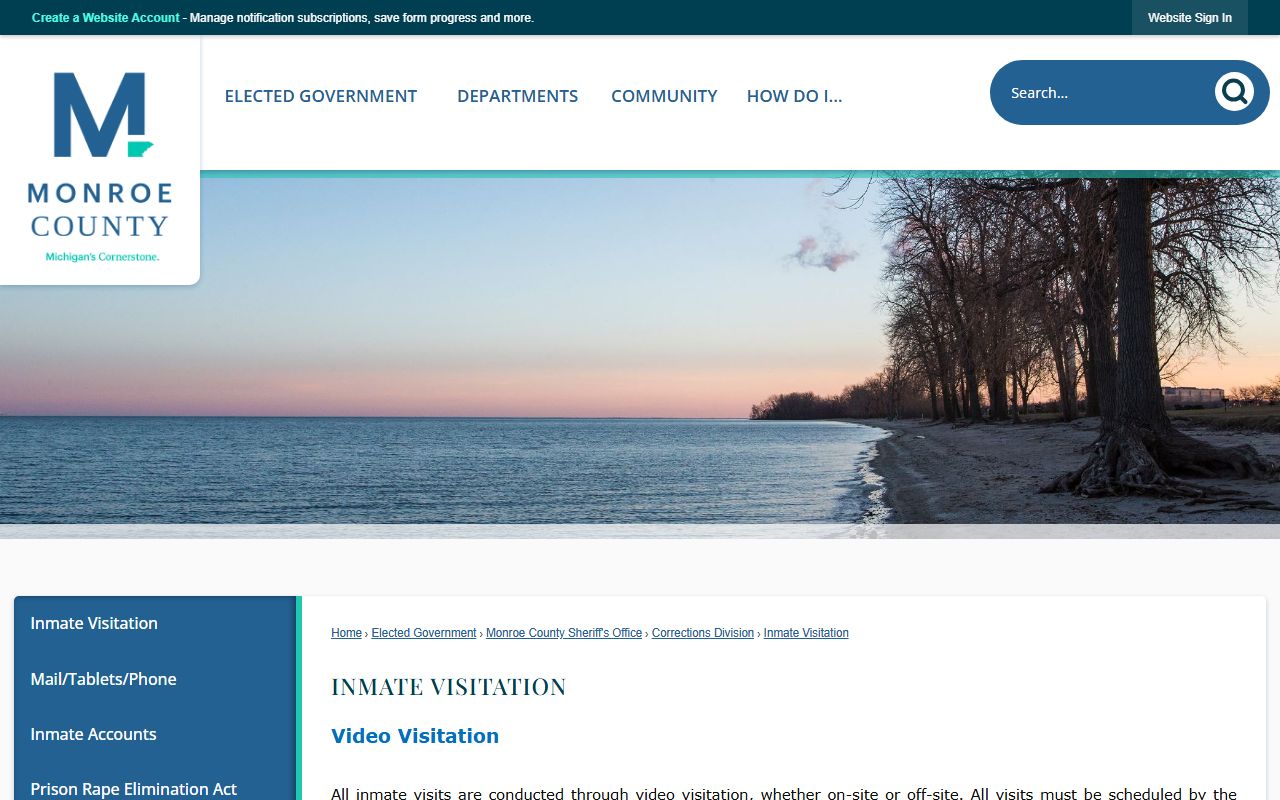
The schedule is the same every day of the week, and the county gives one free on-site video visit per week. The table breaks down each visit type.
| Visit Type | Days | Hours | Cost | Visitors |
|---|---|---|---|---|
| Off-site video | Sunday-Saturday | 8:00 a.m. to 9:00 p.m. | $7 per 30 minutes | Up to 2 |
| On-site video | Sunday-Saturday | 8:00 a.m. to 9:00 p.m. | One free per week, then $7 per 30 minutes | Up to 2 |
| Public kiosks | Sunday-Saturday | 8:00 a.m. to 9:00 p.m. | Inmate Dormitory Facility Lobby | Two kiosks |
Visitors 17 or older must register and bring a valid photo ID, such as a driver's license, state ID, or military ID. Anyone under 17 must be supervised by an adult visitor. On-site visitors should check in ten minutes early, since late arrivals may be turned away. The lobby kiosks are listed at the Inmate Dormitory Facility, 7000 East Dunbar Road, Monroe.
Verify before driving. The county lists the visitation kiosk address with ZIP 49161, but Monroe addresses commonly use 48161 or 48162, so confirm the ZIP with the Sheriff's Office before you travel.
Phone, Tablets, and Mail
Voice calls, tablets, and mail run through a vendor system, not a direct office counter. The county points to the ICSolutions Telephone Service Guide and lists customer support at 1-888-506-8407. To set up calling money, you log in or create an account at the IC Solutions site. The county collects these tools on its Mail, Tablets, and Phone page.
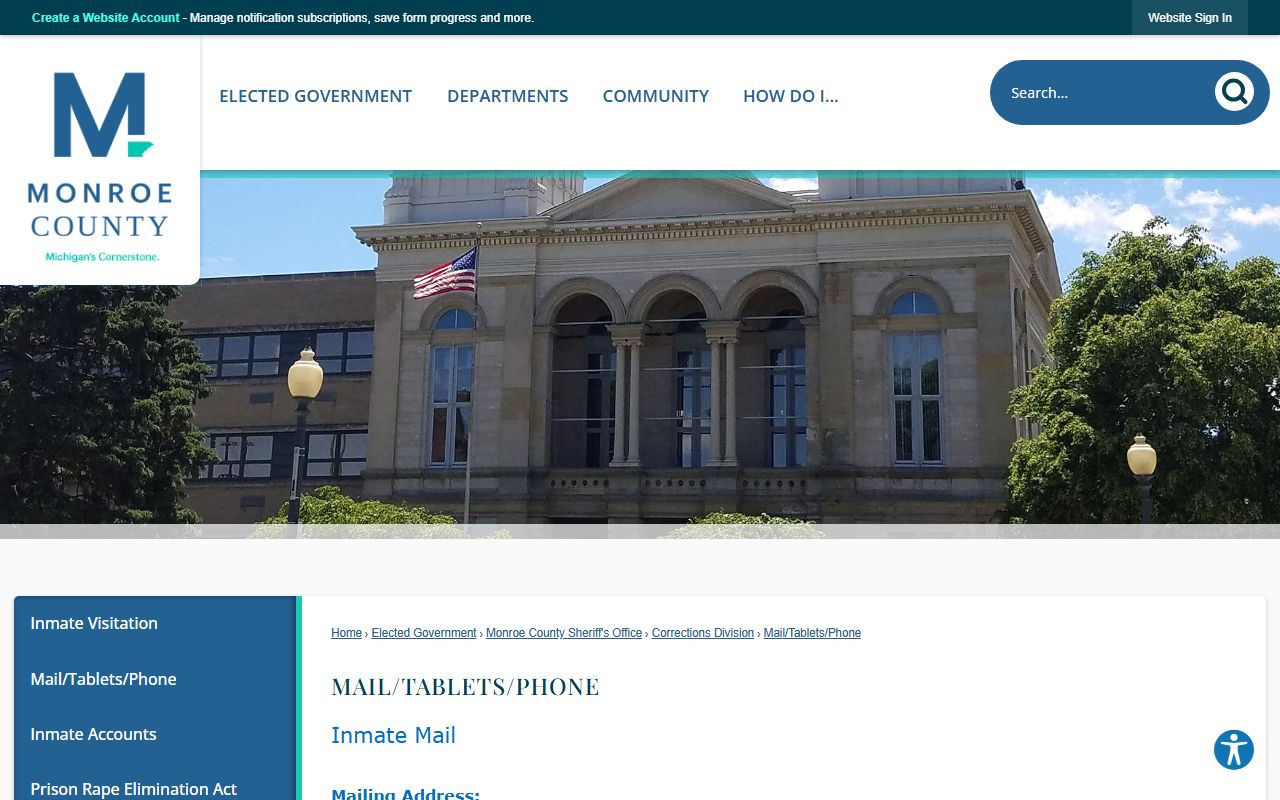
The general county pages do not publish the exact mail address format, tablet or commissary pricing, or the deposit vendor. Those specifics live in the official inmate guide and the ICSolutions service guide. Rather than guess at a mailing rule that could get a letter rejected, confirm the current format and pricing through the county's Mail, Tablets, and Phone page or the support line before you send anything.
Note: Mail formats and deposit rules change, so a letter or a deposit sent under an outdated instruction can be returned; verify the current rule with the official inmate guide first.
Monroe County Sheriff Mobile App
The Apple App Store lists a "Monroe County Sheriffs Office" app under the Reference category, and you can view it on the App Store listing. It appears to match the Michigan agency, though similar names exist for sheriff offices in other states. The app is a general reference tool for the office.
Official county pages did not confirm an app-only inmate lookup, so the web roster remains the reliable way to search custody. For a Monroe County jail roster search, use the Zuercher Portal and back it with VINELink alerts rather than expecting a private tool inside the app.